
About this widget
⚡ Linear Custom Widget for VibeFuse
A full Linear workspace, living right on your canvas — no tab-switching, no context loss.
Custom Marketplace Widget Teams Projects Issues Full CRUDWhat it is
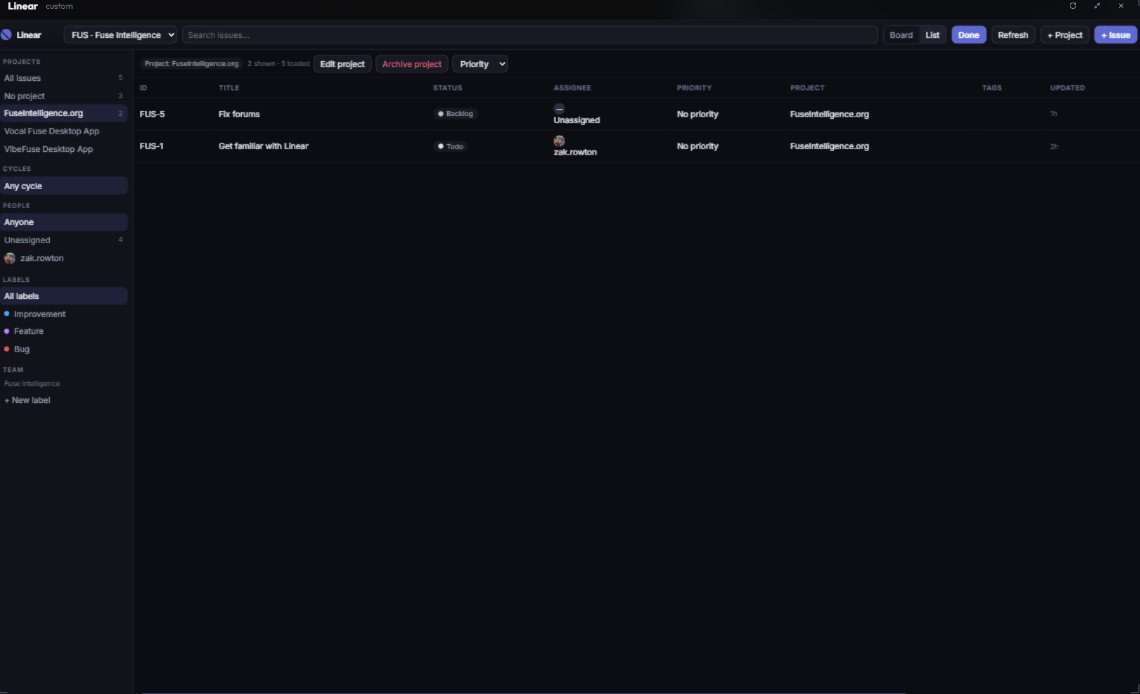
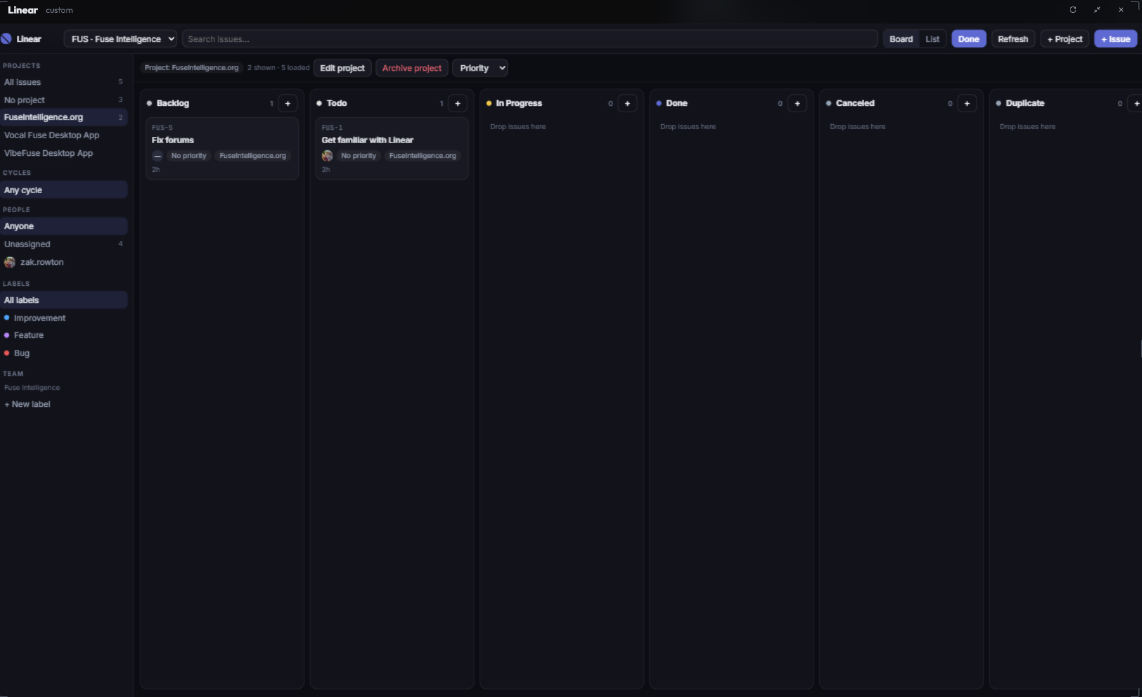
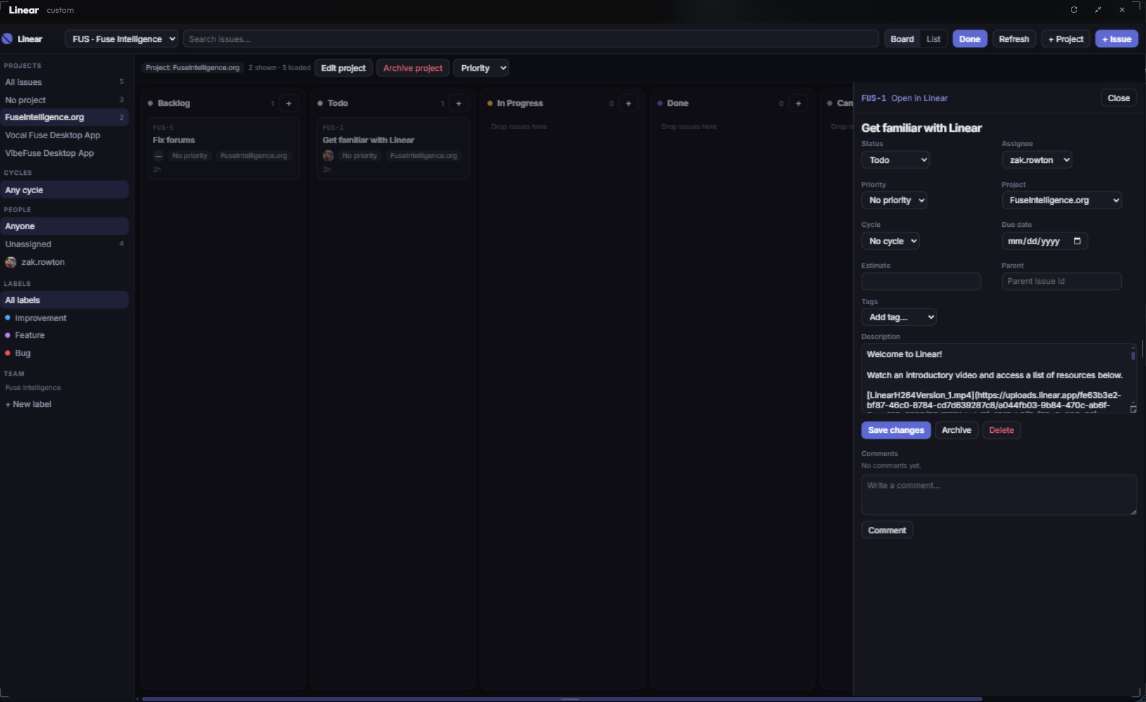
The Linear widget (com.zakrowton.linear) is a custom marketplace widget that renders your entire Linear workspace directly on the VibeFuse canvas. Browse teams, drill into projects, and manage issues — with status, assignees, priority, and labels all visible at a glance — while your agent, terminals, and browsers stay open beside it.
Core capabilities
📋 Issue Management Create, edit, and delete issues. Full visibility into status, assignee, priority, and tags on every card. 👥 Team Views Switch between teams and see each team's issues, cycles, and workflow states. 📁 Project Tracking Browse projects with milestones, health, and target dates — all inside the widget. 🤖 Agent-Ready Pairs with the Linear MCP — ask your Vibe Agent to create or update issues and watch them appear live.Why it's useful
- Zero context switching — keep Linear pinned next to your terminal, browser, and agent chat.
- Live two-way sync — changes made by you or your agent reflect instantly in the widget.
- Full CRUD — not a read-only dashboard; you can create, edit, and delete right from the canvas.
- Multi-instance — spawn several widgets to watch different teams or projects side by side.
Linear Widget · VibeFuse Marketplace · by @ZakRowton